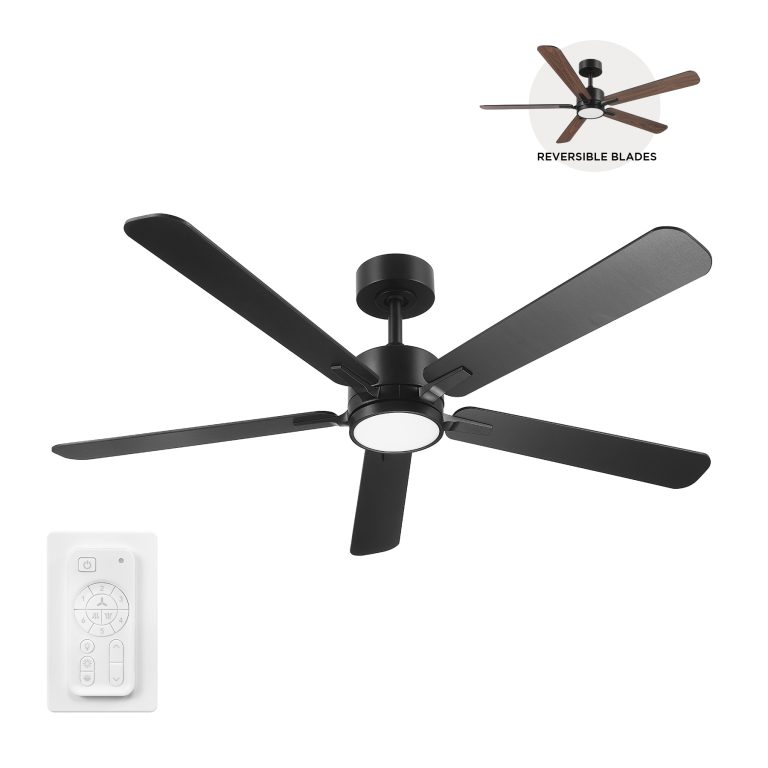
153of 300 listings
Integrated LED
A sealed LED module with no bulb to change. When it fails, the fix is a new LED module or light kit for your item number. Northbrook, Beach Creek and Calverton work this way.
Questions, a lost remote, missing parts? This is an independent owner's guide to Harbor Breeze fans, not Lowe's and not the maker.
How this site earnsA Harbor Breeze ceiling fan light kit comes in one of three forms: a sealed integrated LED, sockets that take ordinary E26 bulbs, or no light at all on fans sold as light kit compatible. Which one your fan has decides how you fix a dead light, which replacement to buy and whether you can add a light later, so start by matching your fan to its type below.
Of 300 current Harbor Breeze fan listings we read at Lowe’s, these are the three kinds of light, with the share of fans that carry each one.
153of 300 listings
A sealed LED module with no bulb to change. When it fails, the fix is a new LED module or light kit for your item number. Northbrook, Beach Creek and Calverton work this way.
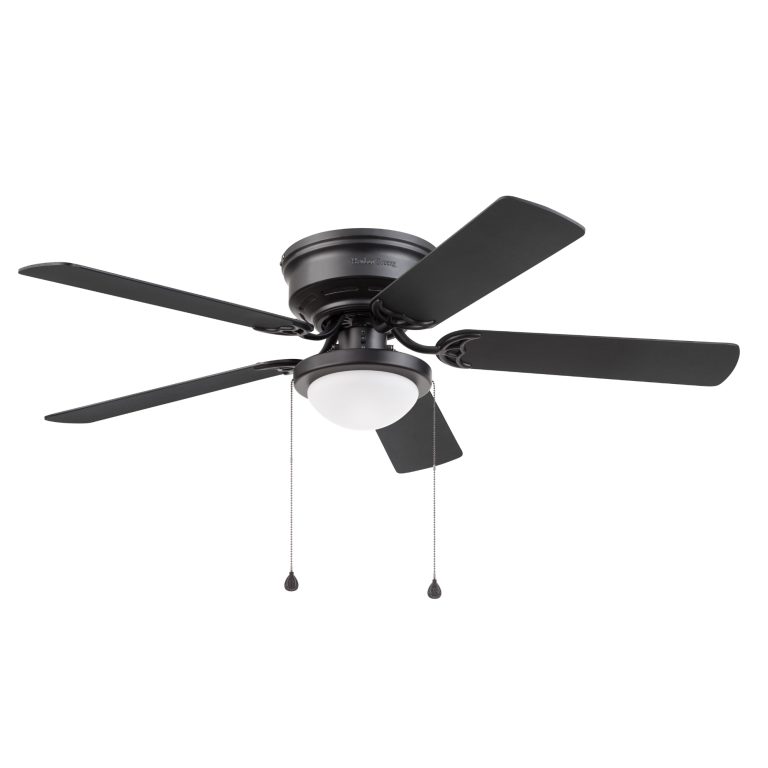
92of 300 listings
Standard medium-base sockets behind a glass shade. A dead light is usually a bulb, and you can choose its brightness and color. The Armitage ships with one 6.5-watt, 600-lumen LED bulb.
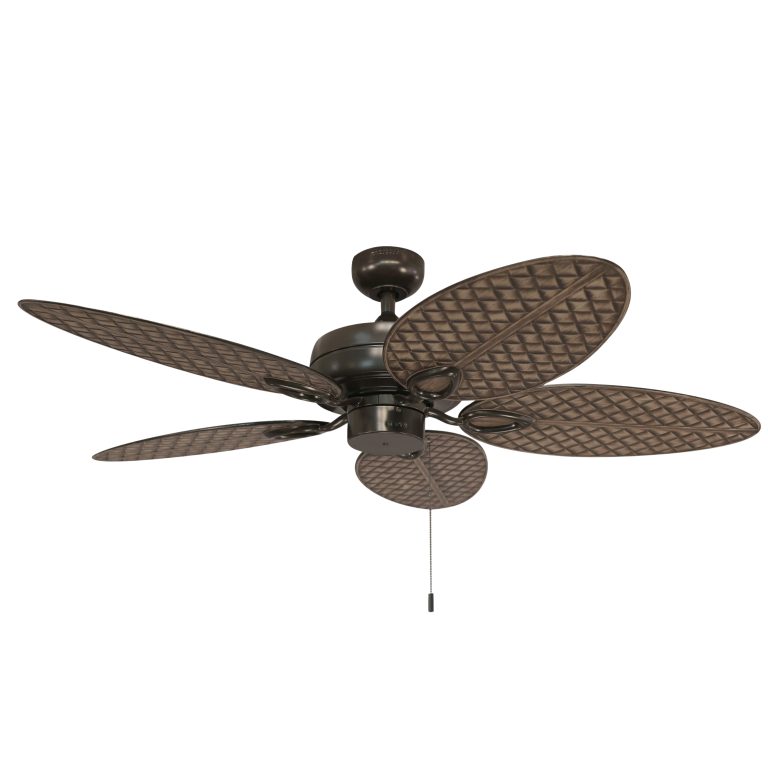
44of 300 listings
37 fans are sold without a light and 7 more, such as the Tilghman II and Cypress Point, as light kit compatible, with a switch housing cap that a light kit can replace.
Light color on the listings: 61 warm white, 54 adjustable white, 5 soft white and 4 RGB fandeliers; the rest do not state it. 252 of the 300 are listed as dimmable.
How you replace a Harbor Breeze ceiling fan light depends on the type. Bulb fans need a bulb; LED fans need a module or a whole light kit matched to the item number on your manual cover.
Asked how to change the light on a 42-inch Armitage II, owners explained that the shade is held by screws around its rim: loosen them, turn the glass free, change the ordinary bulb inside and refit the shade.Replies to JDH-04, r/fixit, November 2024
Most Harbor Breeze lights that stop working have a simple cause. Work down this chart from the top, with the power off at the breaker whenever you open the fan.
What you see
Likely cause
What to do
Light dead, fan works
Bulb, the light pull-chain switch or a loose plug at the light kit
Try a known-good bulb, then pull the chain through every position, then reseat the light kit plug
Light dead on a remote fan
The receiver in the canopy has stopped powering the light wire
Re-pair the remote; if the fan answers but the light never does, the receiver is the usual part to replace
LED light dead, bulbs not used
Failed LED module or its driver
Order the LED module or light kit for your item number
Light flashes or flickers
A loose connection on the live wire, or a dimmer the LED does not like
Tighten the connectors in the canopy; replace a wall dimmer with a plain switch
Light too dim
A low-lumen bulb, or an aging LED
Fit a brighter bulb within the kit’s wattage limit; replace the LED module if it has faded
Light works, fan does not
Reverse switch halfway, or a failed capacitor
Push the reverse switch fully to one side; see the capacitor notes
When a Harbor Breeze light stops while its bulbs test fine, the capacitors in the switch housing are for the fan speeds; with a light pull chain fitted, the light switch is the likely failure.jmraef replying to maddog1956, r/AskElectricians, March 2024
On remote fans the receiver in the canopy that switches the light often goes bad and stops sending power to the light wire, so its output is the first thing to test.Big_Fly_1561, r/AskElectricians, July 2024
A light kit can be added only to a fan built for one: a listing that says light kit compatible, or a fan with a light already fitted. Follow the manual for your kit; these are the steps they share.
Manuals for remote receivers mark the light lead “FOR LIGHT” (blue) and the motor neutral “TO MOTOR N” (white). Check the labels on your own receiver.