Skip to content

Questions, a lost remote, missing parts? This is an independent owner's guide to Harbor Breeze fans, not Lowe's and not the maker.

How this site earns
Harbor Breeze FansFans at Lowe's

Harbor Breeze Ceiling Fan Light Bulb

The Harbor Breeze ceiling fan light bulb on a current fan is almost always a small LED with a medium E26 base, usually an A15 or a B11 shape of 5.5 to 9.5 watts, and Lowe’s lists the bulbs as included. Fans with an integrated LED take no bulb at all. Find your fan’s bulb below, then change it in a few minutes with the steps that follow.

Harbor Breeze ceiling fan light bulb size and type

Every Harbor Breeze bulb fan in the current Lowe’s range we read uses the medium E26 base, the same thread as a household lamp. What changes from fan to fan is the bulb’s shape, its wattage and how many it takes.

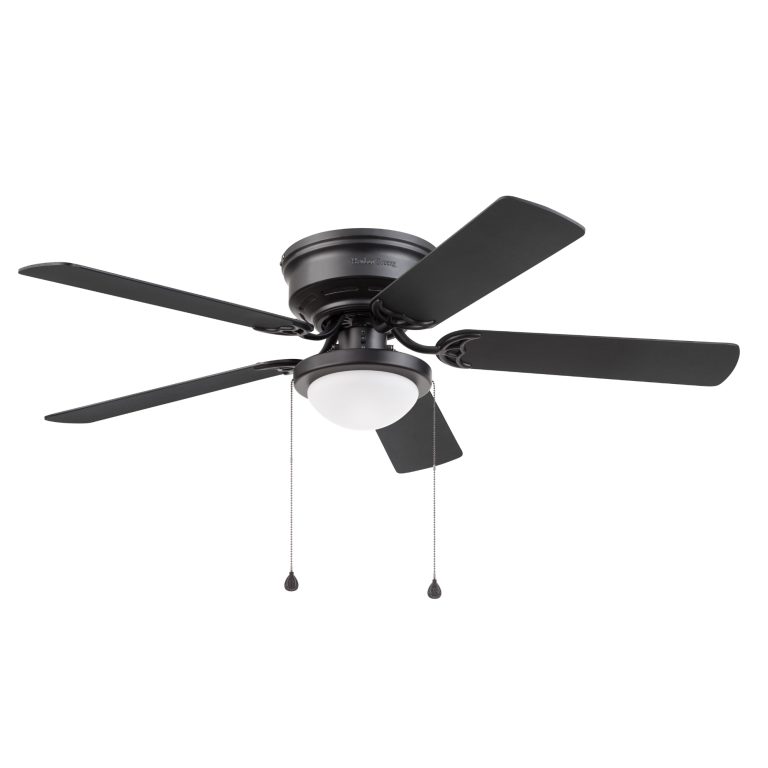
Harbor Breeze Armitage ceiling fan that takes an A15 E26 LED bulb

A15

Small round bulb

The common shape under frosted globes and bowls, such as the Armitage, Centreville, Notus, Coastal Creek and Macon Bay. Usually 5.5 to 6.5 watts LED.
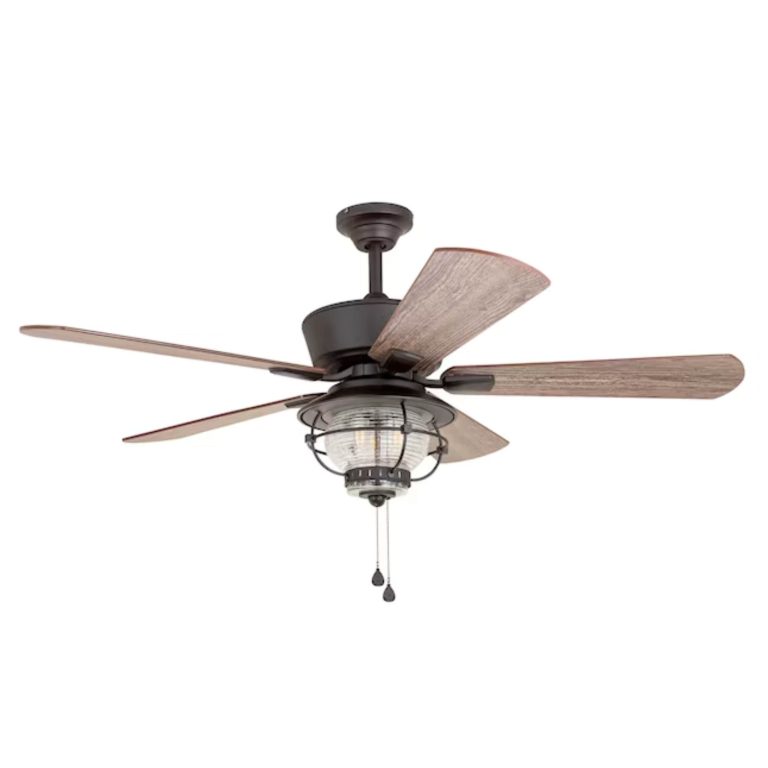
Harbor Breeze Merrimack II ceiling fan that takes B11 E26 LED bulbs

B11

Candle-shaped bulb

Slim bulbs behind clear or seeded glass and in cages, as on the Merrimack II, Summersville and Hamilton, all 5.5 watts LED with an E26 base.
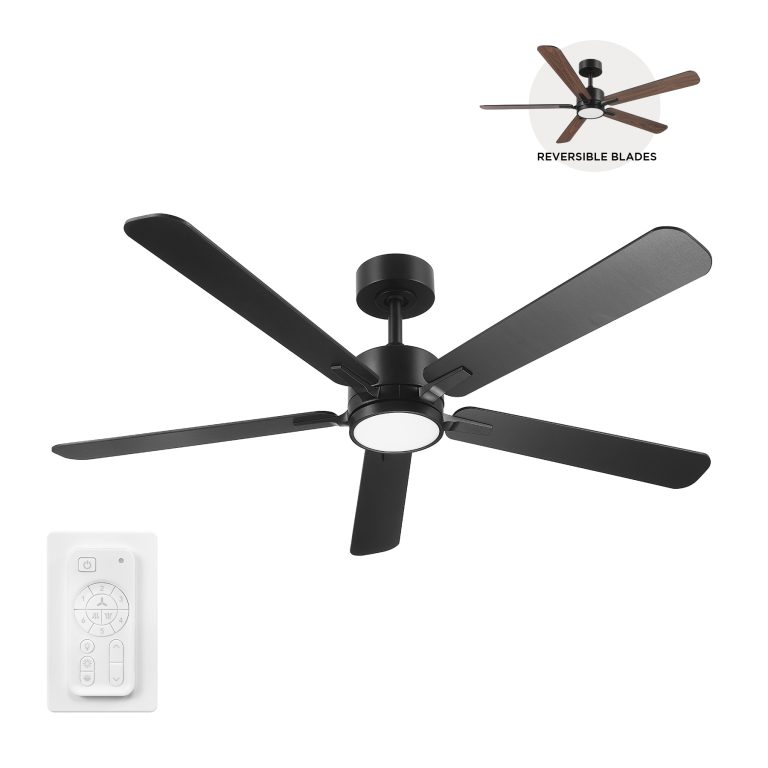
Harbor Breeze Northbrook ceiling fan with an integrated LED and no bulb

None

Integrated LED

Fans like the Northbrook and Beach Creek have a sealed LED module and no socket. A dead light needs the LED module or light kit, not a bulb.

FanBulbsShape and baseWatts each
Armitage1A15, E26 LED6.5
Centreville3A15, E26 LED6.5
Notus4A15, E26 LED5.5
Macon Bay4A15, E26 LED6.5
Coastal Creek2A15, E26 LED6.5
Sailor Bay3Medium base (E26) LED5.5
Waveport2Medium base (E26) LED5.5
Merrimack II3B11, E26 LED5.5
Summersville3B11, E26 LED, 2700K5.5
Hamilton3B11, E26 LED5.5
Oakham2A19, E26 LED9.5
Landon1Vintage Edison LED, E266

From the bulb details on each fan’s Lowe’s listing, where the bulbs are listed as included. Older light kits print their own bulb limit on a label inside the kit and in the manual; never fit a bulb above it.

How to change a light bulb in a Harbor Breeze ceiling fan

Changing a Harbor Breeze ceiling fan light bulb takes about five minutes on a step ladder. Hold the glass while you work, because it can come free all at once.

1. Power offTurn the light off at the wall, or at the breaker if the fan runs from a remote, and let the old bulb cool.
2. Lower the glassLoosen the screws around the rim of the shade a few turns, or twist the globe counterclockwise, and lower it. See the three ways glass is held.
3. Swap the bulbUnscrew the old bulb counterclockwise and screw in the new one until it is snug, not tight.
4. Refit and testRaise the glass, tighten its screws evenly so it sits level, then restore power and test the light.
Owners helping with a dead light on a 42-inch Armitage II pointed out that it holds an ordinary screw-in bulb behind glass fixed by screws at the rim, and said to take the old bulb to the store to match it.
Replies to JDH-04, r/fixit, November 2024

Harbor Breeze ceiling fan light bulb replacement: what to buy

Match the old bulb’s base and shape, then choose brightness and color to suit the room. LED bulbs run cool, which matters inside a closed glass globe.

Base and shape

  • E26 medium base on current fans
  • A15 under small globes; A19 only where it fits inside the glass
  • B11 candle bulbs for clear, seeded or caged glass
  • Older kits may use E12 candelabra sockets: check the old bulb

Brightness and color

  • About 500 to 800 lumens per bulb on the fans above
  • 2700K to 3000K for a warm, lamp-like light
  • 4000K to 5000K for kitchens and work rooms
  • Choose dimmable bulbs if a dimmer runs the light

Harbor Breeze ceiling fan light bulb FAQs

What light bulb does a Harbor Breeze ceiling fan take?

Most current bulb fans take an LED bulb with a medium E26 base, in an A15 or B11 shape of 5.5 to 6.5 watts. Integrated LED fans take no bulb. On an older fan, read the base and wattage printed on the old bulb and the label inside the light kit.

What is the maximum bulb wattage for a Harbor Breeze fan?

It is printed on a label inside the light kit and in the manual. Never exceed it, even with an LED. Because LED bulbs draw a fraction of the old limit, a 60-watt-equivalent LED stays well inside it.

Can I use regular incandescent bulbs?

Only up to the wattage on the kit’s label, and they run hot inside closed glass. LED bulbs of the same base and shape are the better replacement, and the current fans ship with them.

How do I replace a halogen bulb in an older Harbor Breeze fan?

Older halogen kits use a different base from today’s E26 bulbs. Remove the old bulb and match the base and wattage printed on it; an LED replacement with the same base runs cooler and lasts longer.

Why do my new LED bulbs flicker in the fan?

Usually a wall dimmer that the bulbs do not support, or bulbs that are not dimmable. Fit dimmable LEDs, or switch the light with a plain on/off switch. If the flicker remains, check the connections in the canopy.

The bulb is stuck or broke in the socket. What now?

Turn the power off at the breaker first. Grip a stuck bulb with a rubber glove and turn slowly counterclockwise. For a broken bulb, use needle-nose pliers on the metal base, never your fingers.